Speak naturally
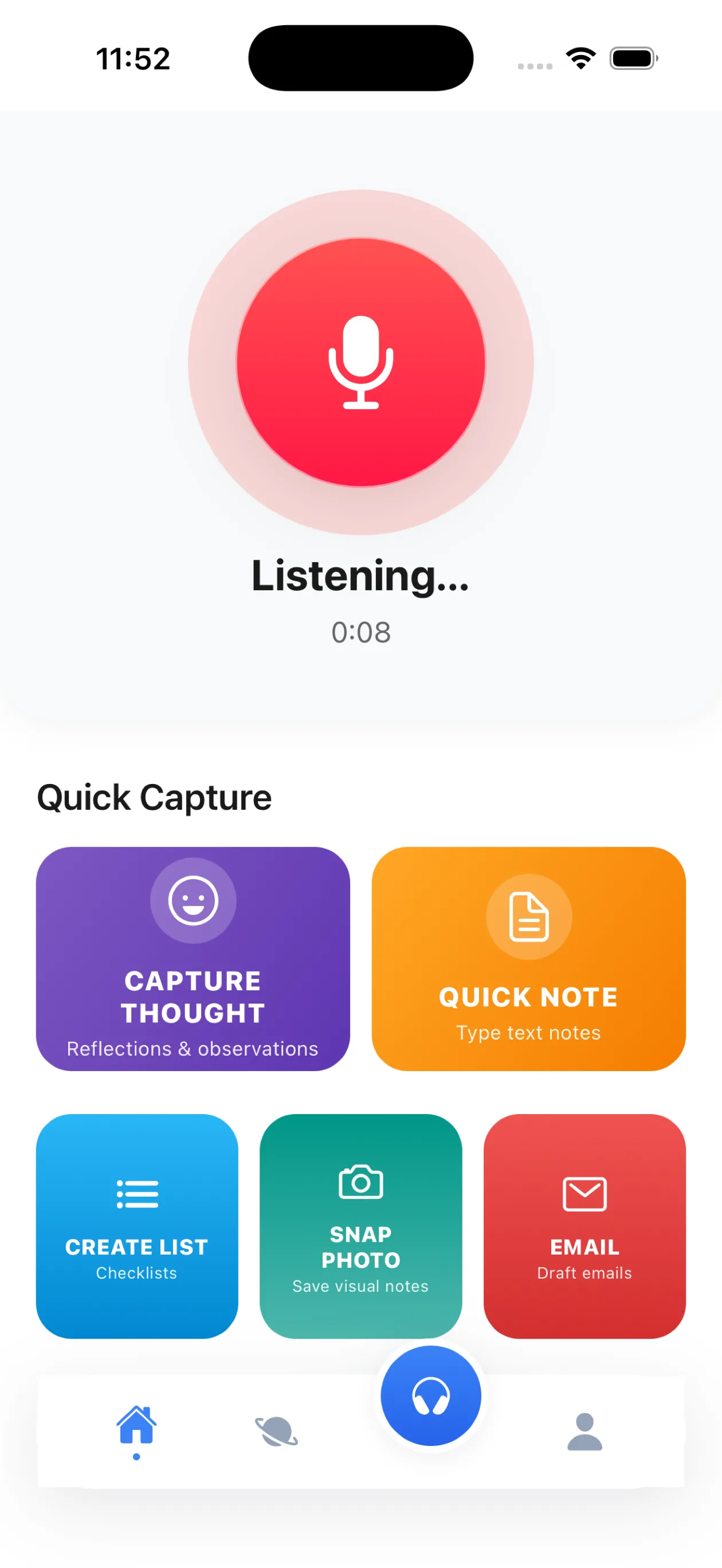
Hold the mic and talk the way you think—unfinished sentences, multiple ideas, and all.
AI VOICE NOTES FOR BUSY MINDS
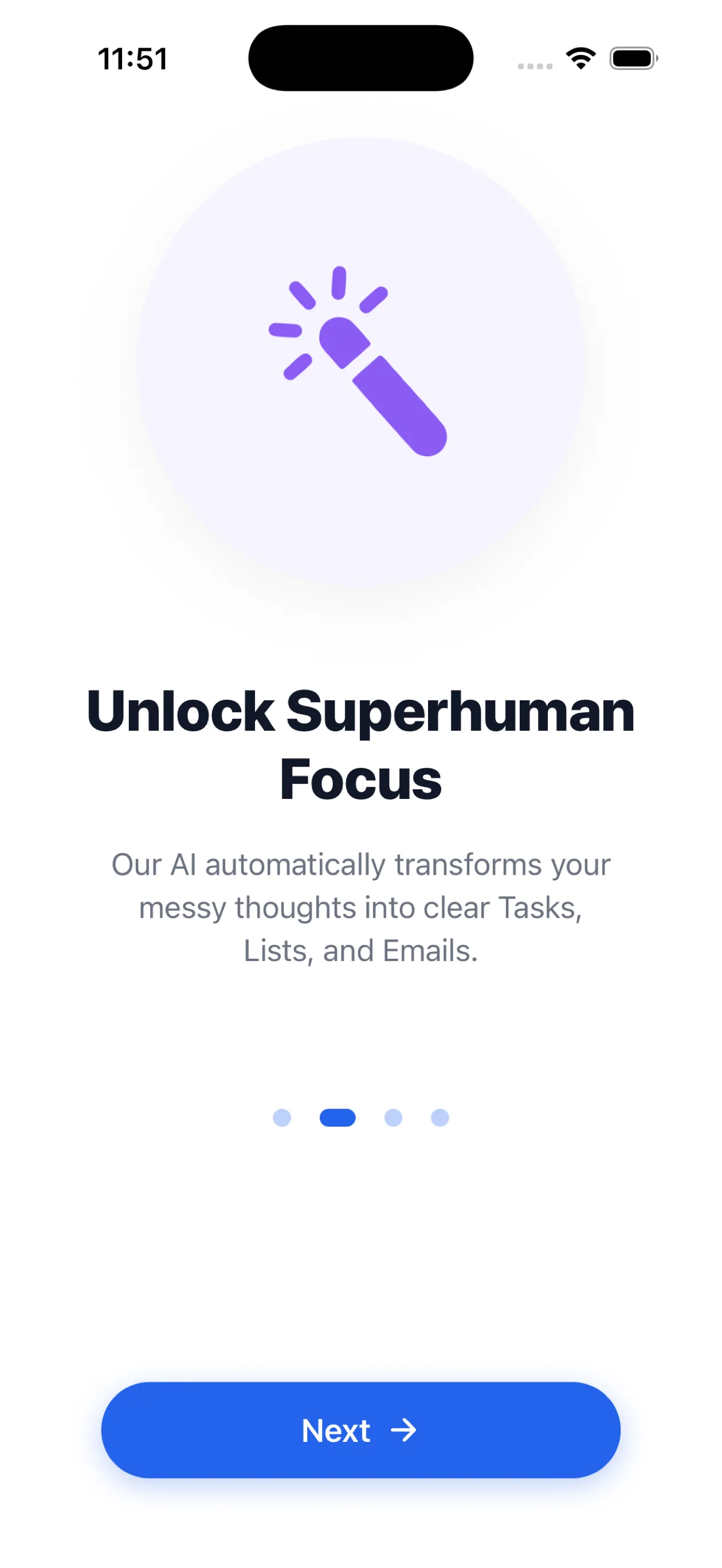
Turn a rambling voice note into a clear note, checklist, reminder, contact, or email. VoiceJot catches the thought and Joey AI handles the cleanup.
LESS FRICTION, MORE FOLLOW-THROUGH
Traditional recorders save audio for later. VoiceJot turns what you said into something useful now.
Hold the mic and talk the way you think—unfinished sentences, multiple ideas, and all.
AI transcribes your words and shapes them into the right format: note, list, reminder, contact, or draft.
Edit, save, or share to Messages, WhatsApp, Slack, Gmail, Notion, and more.
ONE MIC, FOUR HIGH-VALUE JOBS
Turn an unstructured brain dump into ideas, tasks, and reminders.
Brain dump app →Get clean, editable text before a passing thought disappears.
Voice-to-text notes →Speak the details, save the contact context, and remember to follow up.
Voice contact capture →Draft emails, create lists, and move useful text into the tools you already use.
AI voice notes →MEET JOEY AI
Ask Joey to draft an email, create a checklist, summarize a thought, check your calendar, or format a note for Notion. Connected services only act when you ask.
THINK IN YOUR OWN LANGUAGE
English, Spanish, French, German, Italian, Portuguese, Chinese, Japanese, Korean, Arabic, Hindi, Russian, Dutch, Polish, Turkish, Thai, Vietnamese, and Indonesian.
QUESTIONS, ANSWERED
VoiceJot is an AI voice notes app for iPhone and iPad. It turns natural speech into clean notes, checklists, reminders, contact records, and ready-to-send messages.
Yes. Speak freely and Joey AI can separate a brain dump into useful ideas, tasks, and reminders instead of leaving you with raw audio.
VoiceJot is best for quick capture, thoughts, action items, and summaries you dictate. For long recordings, check the current recording limits shown in the app before starting.
VoiceJot supports transcription in 18 languages, including English, Spanish, French, German, Arabic, Hindi, Japanese, Korean, Thai, Vietnamese, and Indonesian.
Notes are saved on your device first, cloud sync is optional, and VoiceJot says recordings are not used to train AI. You can use Face ID, Private Mode, and account deletion controls for additional privacy.
VoiceJot is free to download. An active paid subscription is required to use the app. Your local price and renewal terms are shown before you confirm. There is no free trial.
YOUR NEXT THOUGHT IS COMING
Speak once. Leave with a useful next step.
Get VoiceJot